Suchen Sie etwas anderes?
Table of Contents
Access the Configuration Web Page
The chapter is to present main functions of each page. Users visit page tool via web browser after connect users’ PC to the router.
Start a web browser and type 192.168.1.1 in the Address (URL) field (The Default IP Address of the Ethernet port is 192.168.1.1). It will prompt the Web management tool of the router. The users login in the web page, there will display a page shows as blow. Users have to click “Continue” to make it work if they modify language.
After access to the information main page.
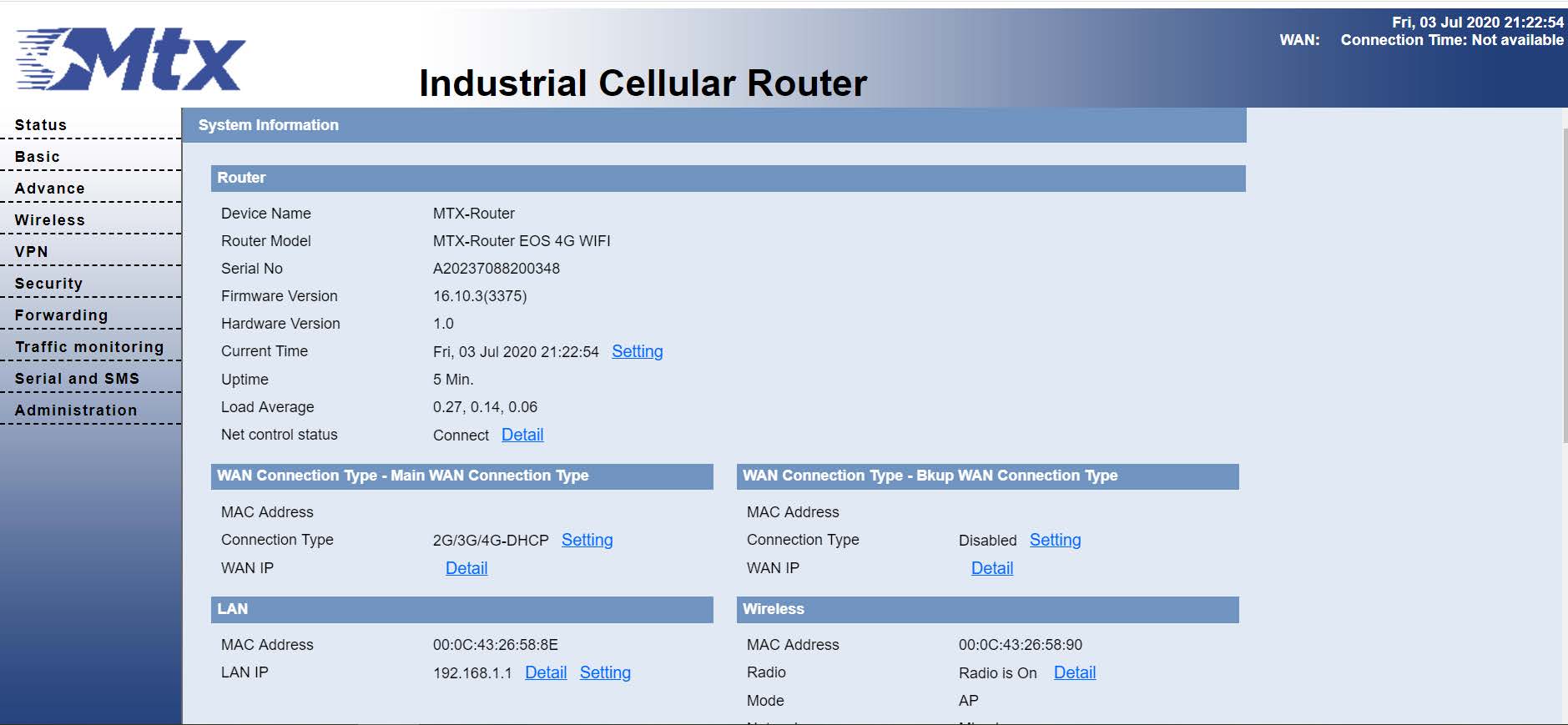
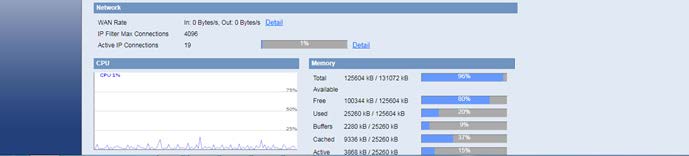
The operation data and state of each module can be completely observed in the information main page, which including basic information of routing, WAN, LAN, wireless, network, CPU, memory and other basic information.
Access other pages. It will prompt a login page. The default username and password are both “admin”. Please input the username and password login to access the configuration pages.
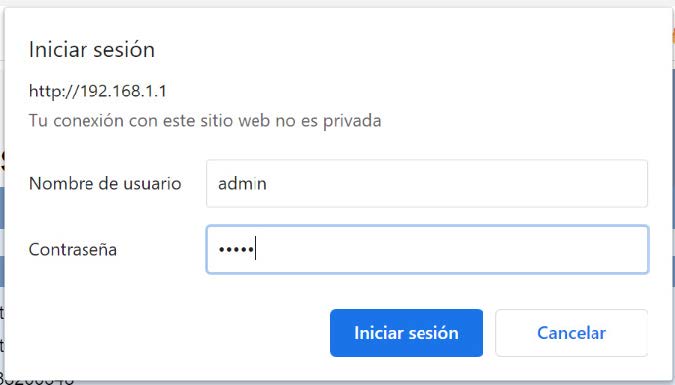
Input correct user name and password to visit relevant menu page.



Les accès par défaut sont :
Saisir le mode de connexion « Ethernet » ou « modem » :
Dans le cas d’une configuration par Ethernet, veiller à ce que les paramètres IP soient compatibles avec l’accès au serveur d’après la configuration du réseau local du concentrateur. Dans le cas d’une connexion par Ethernet, la configuration doit être compatible avec la topologie du réseau local du concentrateur afin qu’il puisse accéder aux serveurs. Cette configuration se fait via la page de configuration « Networks » (voir chapitre 3.2.2.3 : « Réseaux (Networks) »).
Dans le cas d’une connexion par modem, la configuration du modem doit être correcte avant de pouvoir effectuer une connexion. Cette configuration se fait dans la page de configuration « Modem » (voir chapitre 3.2.2.4 : « Modem »).
Les paramètres des serveurs à configurer au minimum sont les suivants :
Il faut donc configurer les champs : « Interface », « Type », « Server type », « Address », « Port », « Login » et « Password ».
Les autres champs peuvent être laissés aux valeurs par défaut à condition que les répertoires aient été créés correctement auparavant. Voir chapitre 3.1.2 : « Fichiers de configuration » pour plus de détails.


Attendre. Le concentrateur va redémarrer avec sa configuration usine.