Suchen Sie etwas anderes?
Table of Contents
Access the Configuration Web Page
The chapter is to present main functions of each page. Users visit page tool via web browser after connect users’ PC to the router.
Start a web browser and type 192.168.1.1 in the Address (URL) field (The Default IP Address of the Ethernet port is 192.168.1.1). It will prompt the Web management tool of the router. The users login in the web page, there will display a page shows as blow. Users have to click “Continue” to make it work if they modify language.
After access to the information main page.
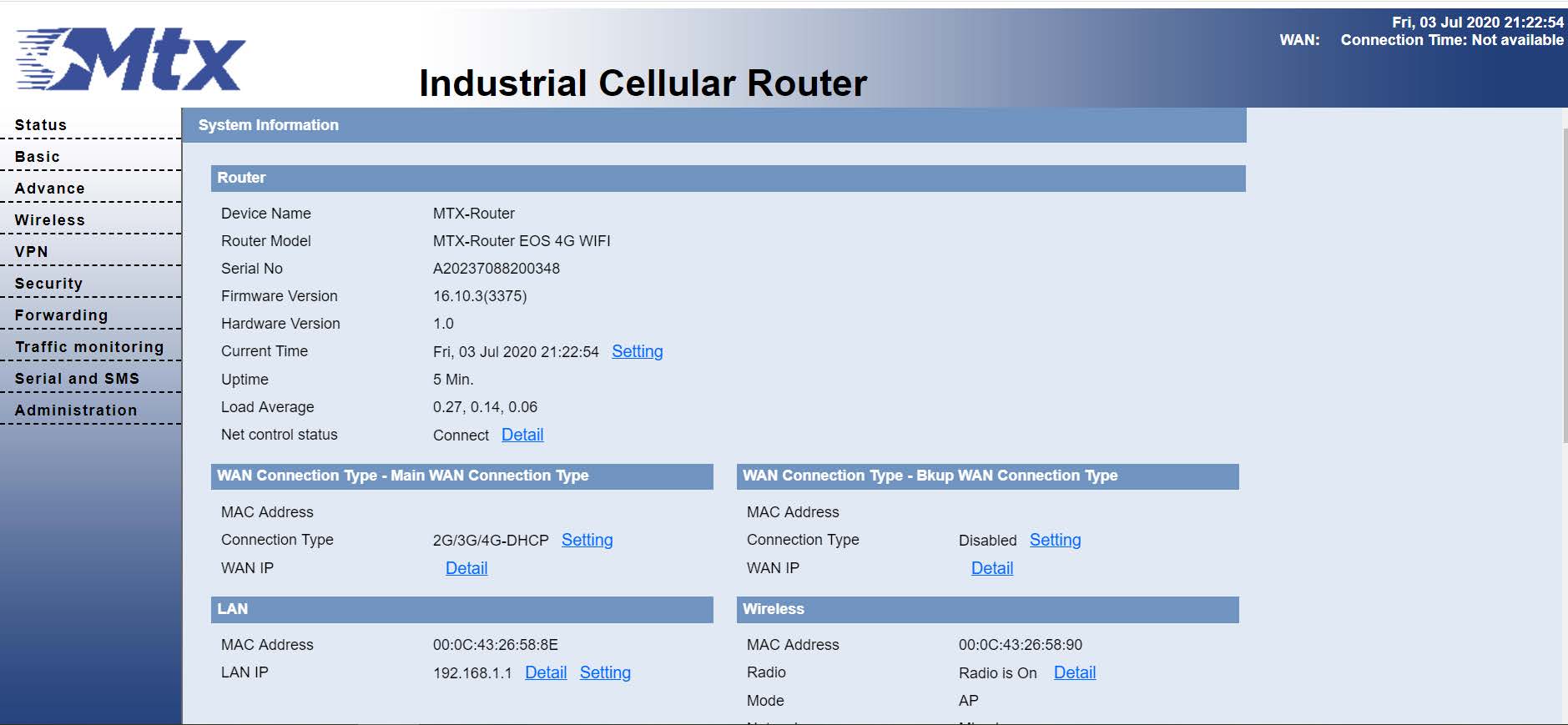
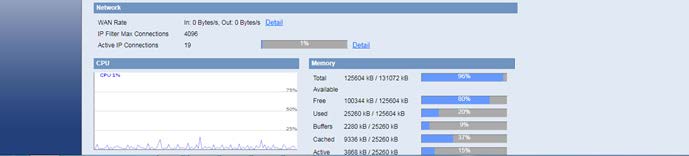
The operation data and state of each module can be completely observed in the information main page, which including basic information of routing, WAN, LAN, wireless, network, CPU, memory and other basic information.
Access other pages. It will prompt a login page. The default username and password are both “admin”. Please input the username and password login to access the configuration pages.
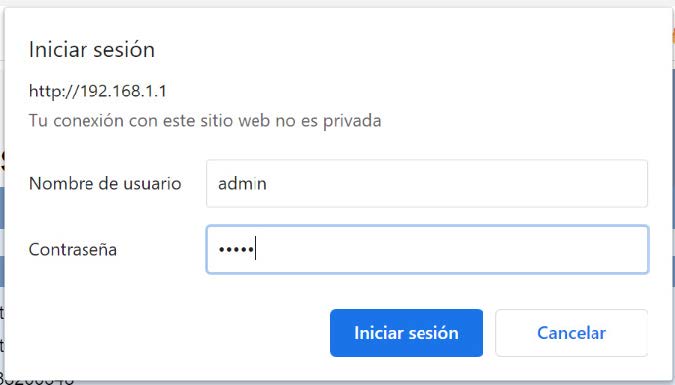
Input correct user name and password to visit relevant menu page.



Enter the “ethernet” or “modem” connection type:
For an ethernet configuration, make sure the IP parameters are compatible with server access according to the concentrator local network configuration. For an ethernet connection, the configuration must be compatible with the concentrator’s local network topology so that it can access the servers. This configuration is done from the “Networks” configuration page (see section 3.2.2.3: “Networks”).
For a modem connection, the modem configuration must be correct before a connection can be set up. This configuration is done from the “Modem” configuration page (see section 3.2.2.4: “Modem”).
The parameters for the servers to be configured are at least the following:
Therefore the following fields need to be configured: “Interface”, “Type”, “Server type”, “Address”, “Port”, “Login” and “Password”.
The other fields can be left at the default values subject to the directories having been properly created beforehand. See section 3.1.2: “Configuration files” for more details.

Wait. The concentrator will reboot using its factory configuration.