-

- Articoli
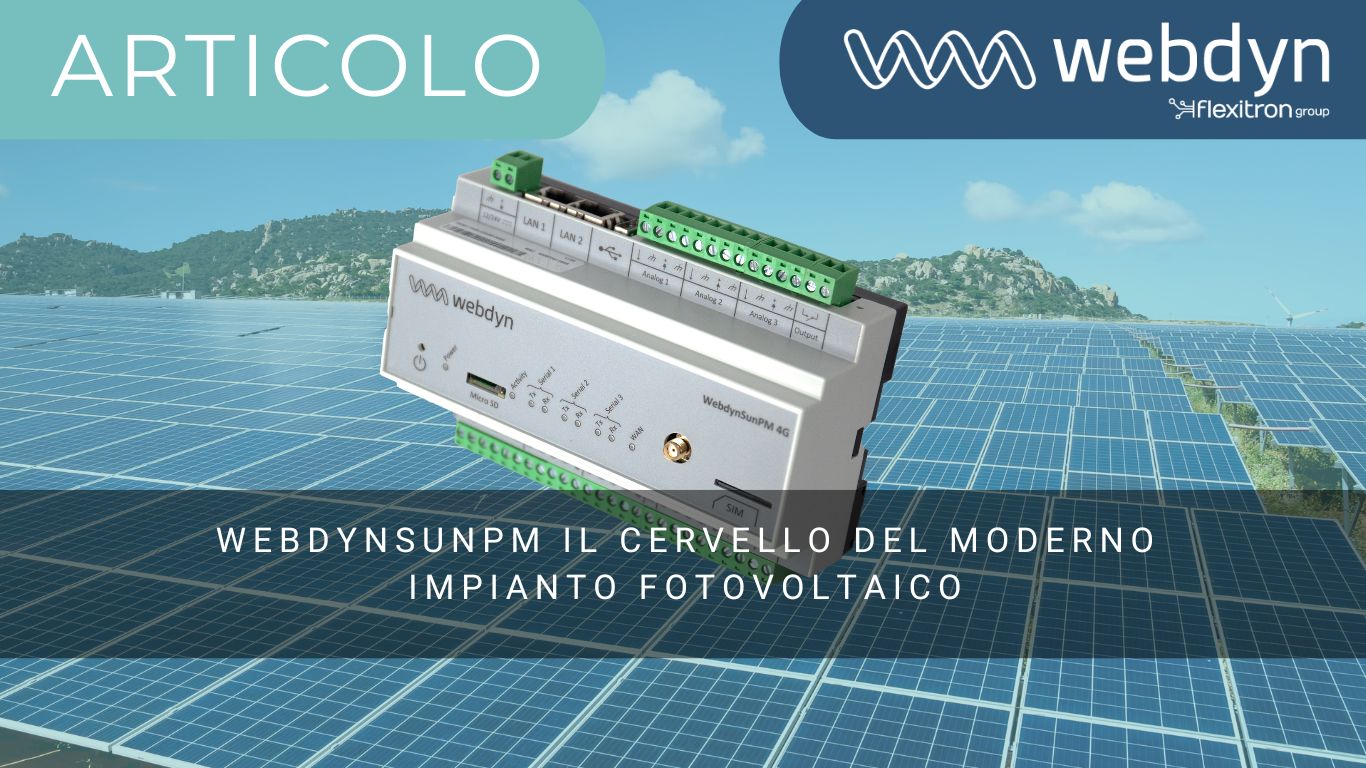
WebdynSunPM, il cervello dell’impianto fotovoltaico moderno
-

- Case Study
- Notizie
- Succes Story
Optimizing industrial self-consumption with Bright Sunday
-

- Non categorizzato
- Notizie
KARE, la nuova piattaforma di gestione dei dispositivi
-

- Notizie
Webdyn sarà presente all’Intersolar Europe 2025 a Monaco di Baviera nel Padiglione francese!
-
- Non categorizzato
- Notizie
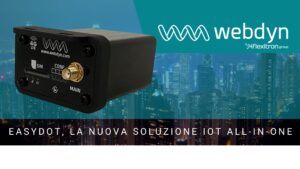
Easydot, la nuova soluzione IoT all-in-one
-

- Non categorizzato
Nuova interfaccia grafica di WebdynSunPM
-

- Case Study
- Notizie
Enhancing Tanktel’s Data Collection and Monitoring Capabilities with Webdyn EasyTunnel AUS
-

- Notizie
Cutting-edge IoT solutions at ENLIT Europe
-
- Notizie
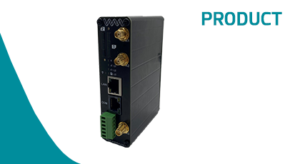
EasyRouter, innovative & powerful all-in-one IoT solution
-

- Case Study
- Notizie
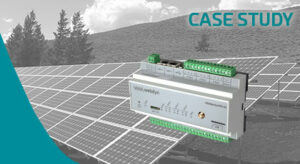
Speed cameras and traffic management
-
- Case Study
- Notizie
How to anticipate negative costs
-
- Notizie
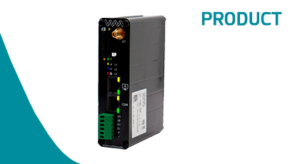
EasyTunnel, the new industrial IoT device
-
- Notizie
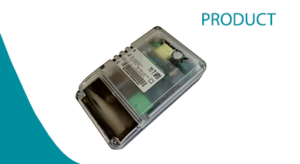
MTX-StarEnergy-E – New industrial IoT modem
-
- Case Study
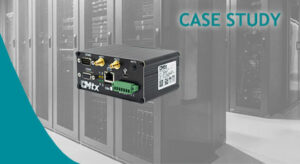
Data Center Monitoring
-
- Notizie
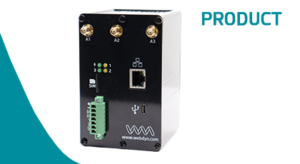
New ExpertLoRaWAN
-
- Case Study
- Notizie
- Non categorizzato
Monitoring of the Electrical Network
-

- Case Study
- Notizie
Solar Self Consumption in Carrefour
-

- Case Study
- Notizie
- Non categorizzato
Conveyor belt monitoring
-

- Notizie
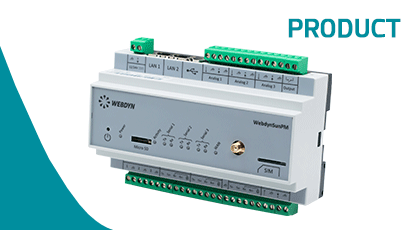
New WebdynSunPM
-

- Case Study
- Notizie
Reduce the environmental impact with Eco Co2 & Webdyn
-

- Notizie
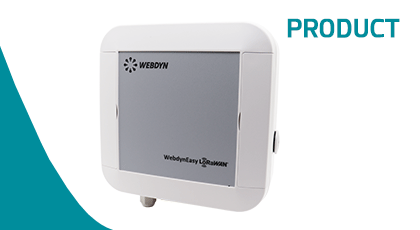
New WebdynEasy LoRaWAN












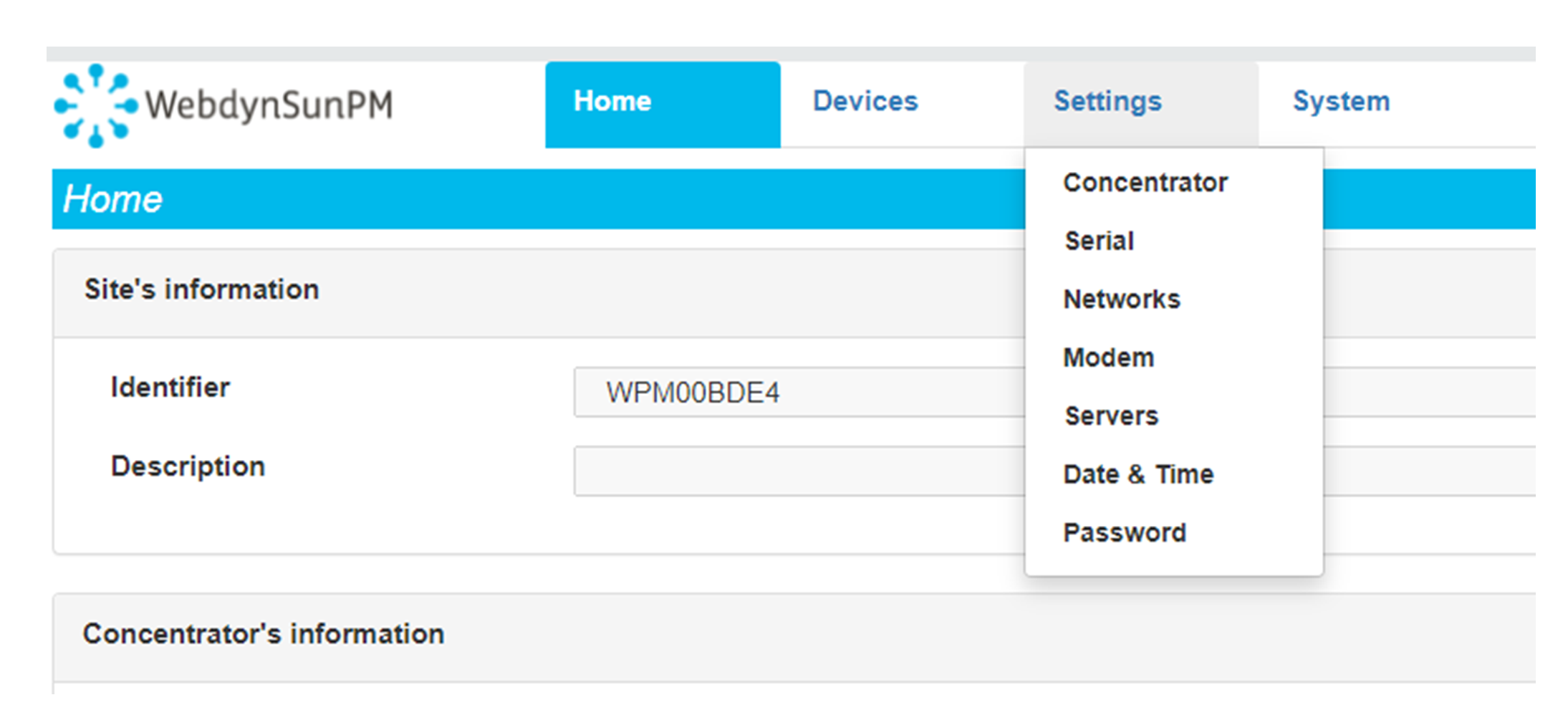 Enter the “ethernet” or “modem” connection type:
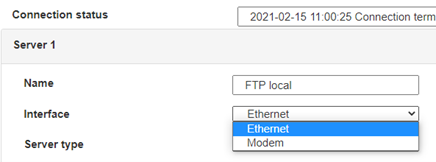 For an ethernet configuration, make sure the IP parameters are compatible with server access according to the concentrator local network configuration. For an ethernet connection, the configuration must be compatible with the concentrator’s local network topology so that it can access the servers. This configuration is done from the “Networks” configuration page (see section 3.2.2.3: “Networks”).
For a modem connection, the modem configuration must be correct before a connection can be set up. This configuration is done from the “Modem” configuration page (see section 3.2.2.4: “Modem”).
The parameters for the servers to be configured are at least the following:
For an ethernet configuration, make sure the IP parameters are compatible with server access according to the concentrator local network configuration. For an ethernet connection, the configuration must be compatible with the concentrator’s local network topology so that it can access the servers. This configuration is done from the “Networks” configuration page (see section 3.2.2.3: “Networks”).
For a modem connection, the modem configuration must be correct before a connection can be set up. This configuration is done from the “Modem” configuration page (see section 3.2.2.4: “Modem”).
The parameters for the servers to be configured are at least the following:
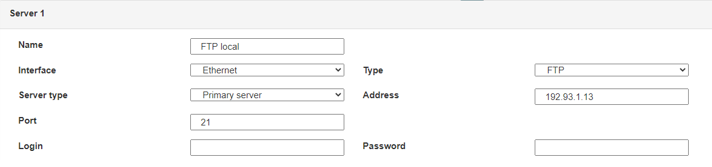 Therefore the following fields need to be configured: “Interface”, “Type”, “Server type”, “Address”, “Port”, “Login” and “Password”.
The other fields can be left at the default values subject to the directories having been properly created beforehand. See section 3.1.2: “Configuration files” for more details.
Therefore the following fields need to be configured: “Interface”, “Type”, “Server type”, “Address”, “Port”, “Login” and “Password”.
The other fields can be left at the default values subject to the directories having been properly created beforehand. See section 3.1.2: “Configuration files” for more details.




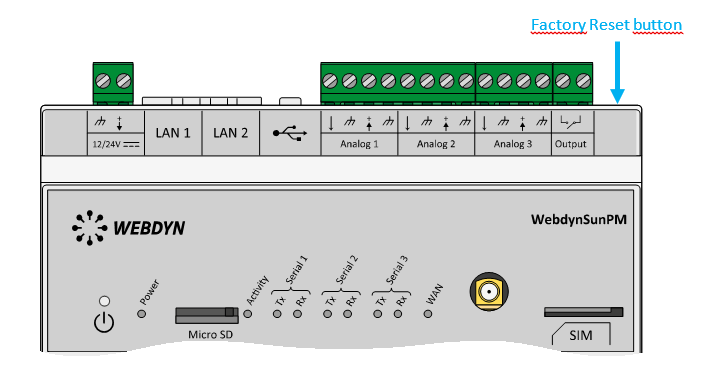 Wait. The concentrator will reboot using its factory configuration.







