DIANA, SEAT S.A.'s autonomous protype and Webdyn's MTX-Router-EOS
DIANA, SEAT S.A.’s AUTONOMOUS PROTOTYPE AND WEBDYN’s MTX-ROUTER-EOS
DIANA is the autonomous car pilot project promoted by SEAT S.A., in collaboration with the Centro Tecnolóxico de Automoción de Galicia (CTAG).
DIANA is an innovation project to test autonomous driving functions in anticipation of Advanced Driving Assistance Systems (ADAS).
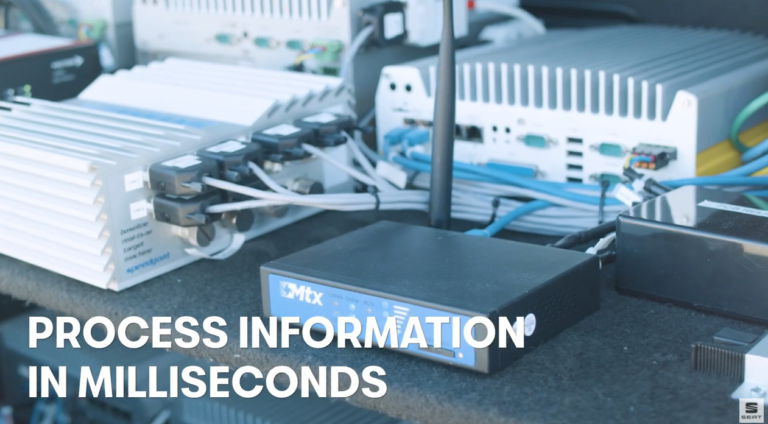
The vehicle has been created on the basis of a SEAT Leon and is equipped with 5 lidar sensors, 5 radars, 6 cameras, 12 ultrasounds and 8 computers that give it a 360º vision. These elements generate environmental data that are processed in milliseconds and sent to a module where the location is stored. Thus, the car knows its location, what obstacles are in its environment and is able to decide where it has to go and autonomously execute the actions on the steering wheel, brakes, accelerator and gear change.
Webdyn and Matrix Electronica contribute to this project with the MTX-Router-EOS, one of our IoT device.
The MTX-Router-EOS is a router developed for industrial applications, it features dual SIM, 3x Ethernet, VPN client and 3 antennas included (another one for GPS optional).