-

- Articles
- News
Solar Self-Consumption: Optimising PV Performance
-

- News
Webdyn and Metris Energy, a new European partnership
-

- Articles
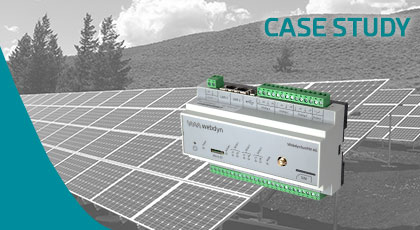
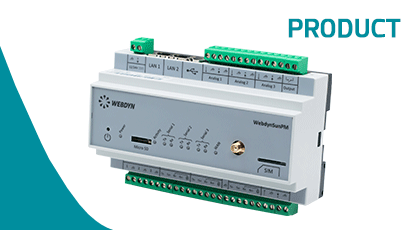
WebdynSunPM, the brain of the modern solar power system
-
- Case Study
- News
- Succes Story
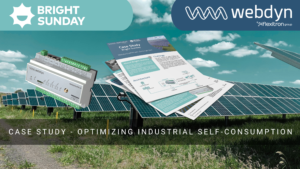
Optimizing industrial self-consumption with Bright Sunday
-

- Uncategorized
KARE, the new IoT device management platform
-

- News
Webdyn at Intersolar Europe 2025
-

- Uncategorized
EasyDot, innovative all-in-one IoT solutions
-

- Uncategorized
New WebdynSunPM Graphic User Interface
-

- Case Study
- News
Enhancing Tanktel’s Data Collection and Monitoring Capabilities with Webdyn EasyTunnel AUS
-

- News
Cutting-edge IoT solutions at ENLIT Europe
-
- News
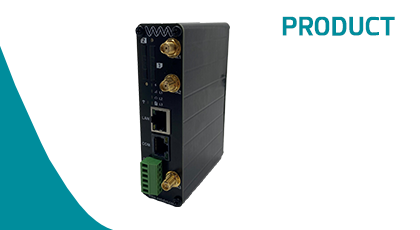
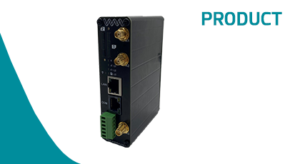
EasyRouter, innovative & powerful all-in-one IoT solution
-

- Case Study
- News
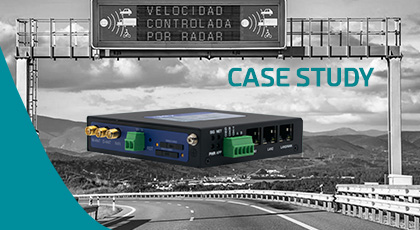
Speed cameras and traffic management
-

- Case Study
- News
How to anticipate negative costs
-
- News
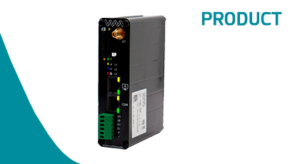
EasyTunnel, the new industrial IoT device
-
- News
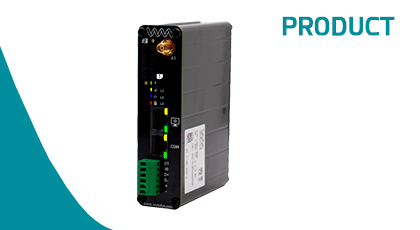
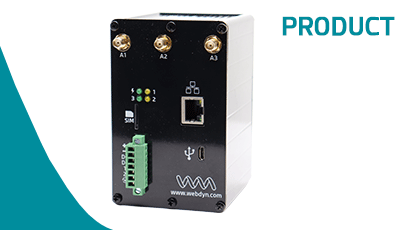
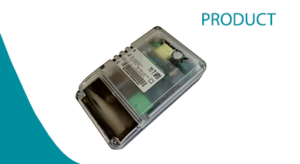
MTX-StarEnergy-E – New industrial IoT modem
-

- Case Study
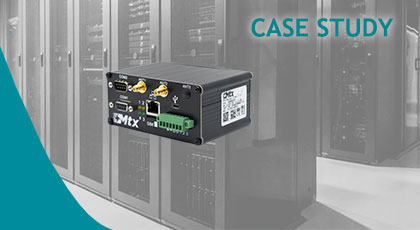
Data Center Monitoring
-
- News
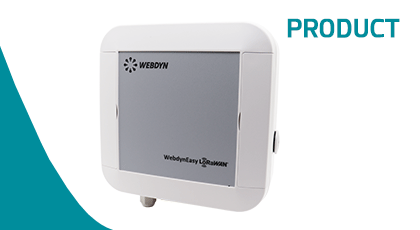
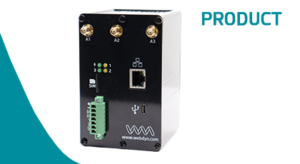
New ExpertLoRaWAN
-

- Case Study
- News
- Uncategorized
Monitoring of the Electrical Network
-

- Case Study
- News
Solar Self Consumption in Carrefour
-

- Case Study
- News
- Uncategorized
Conveyor belt monitoring
-

- News
New WebdynSunPM