Suchen Sie etwas anderes?
SDNS
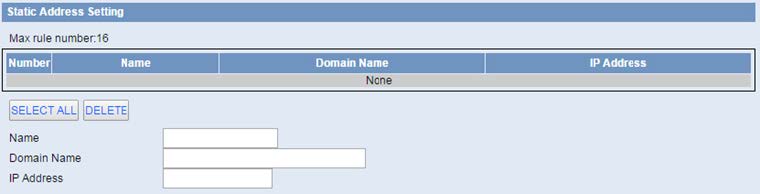
When users host their domain names on free or commercial servers, they usually get a static IP (non-changeable IP) address for their websites, which involves the use of static name servers, or static DNS, as well. Static DNS settings will never update on their own and will remain the same, until you decide to update them. Static DNS settings are very useful, since they provide a stable service with no interruptions, and can increase the overall speed of the website.



Enter the “ethernet” or “modem” connection type:
For an ethernet configuration, make sure the IP parameters are compatible with server access according to the concentrator local network configuration. For an ethernet connection, the configuration must be compatible with the concentrator’s local network topology so that it can access the servers. This configuration is done from the “Networks” configuration page (see section 3.2.2.3: “Networks”).
For a modem connection, the modem configuration must be correct before a connection can be set up. This configuration is done from the “Modem” configuration page (see section 3.2.2.4: “Modem”).
The parameters for the servers to be configured are at least the following:
Therefore the following fields need to be configured: “Interface”, “Type”, “Server type”, “Address”, “Port”, “Login” and “Password”.
The other fields can be left at the default values subject to the directories having been properly created beforehand. See section 3.1.2: “Configuration files” for more details.

Wait. The concentrator will reboot using its factory configuration.