
Suchen Sie etwas anderes?
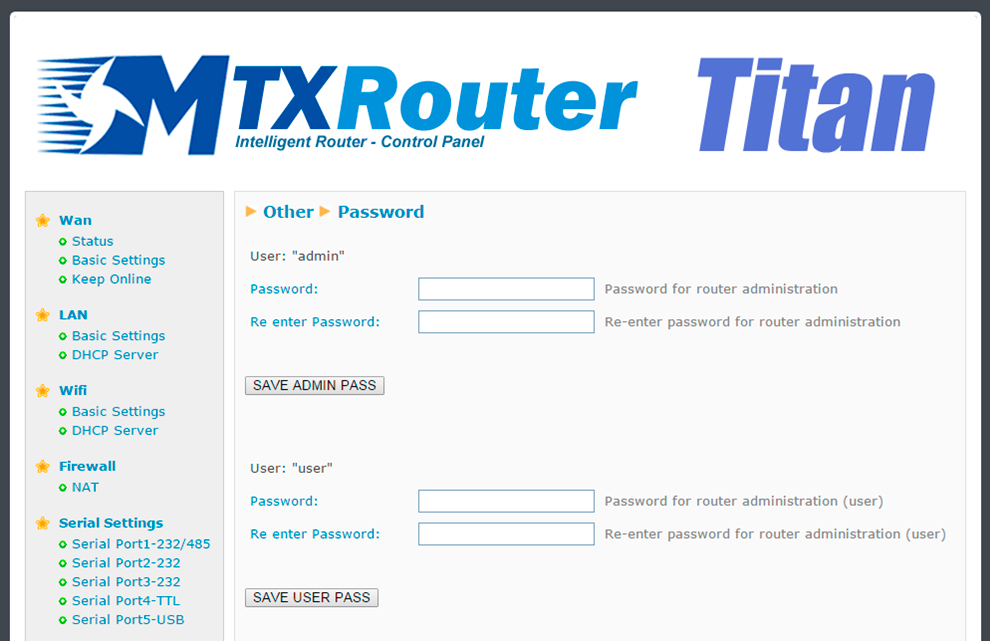
Exiten dos nombres de usuario para poder acceder a la configuración del router. El usuario “admin”, desde el que tendrá acceso a toda la configuración del router, y el usuario “user” desde el cual podrá tener acceso a las configuraciones que seleccione (muy útil si personaliza el router con sus logos). Desde esta sección puede cambiar el Password de ambos usuarios. También dispone del usuario “guest” que le permitirá acceder a los mismos menús que el usuario “user” pero sin poder realizar cambios de configuración.


Enter the “ethernet” or “modem” connection type:
For an ethernet configuration, make sure the IP parameters are compatible with server access according to the concentrator local network configuration. For an ethernet connection, the configuration must be compatible with the concentrator’s local network topology so that it can access the servers. This configuration is done from the “Networks” configuration page (see section 3.2.2.3: “Networks”).
For a modem connection, the modem configuration must be correct before a connection can be set up. This configuration is done from the “Modem” configuration page (see section 3.2.2.4: “Modem”).
The parameters for the servers to be configured are at least the following:
Therefore the following fields need to be configured: “Interface”, “Type”, “Server type”, “Address”, “Port”, “Login” and “Password”.
The other fields can be left at the default values subject to the directories having been properly created beforehand. See section 3.1.2: “Configuration files” for more details.

Wait. The concentrator will reboot using its factory configuration.






