
Optimizing industrial self-consumption with Bright Sunday
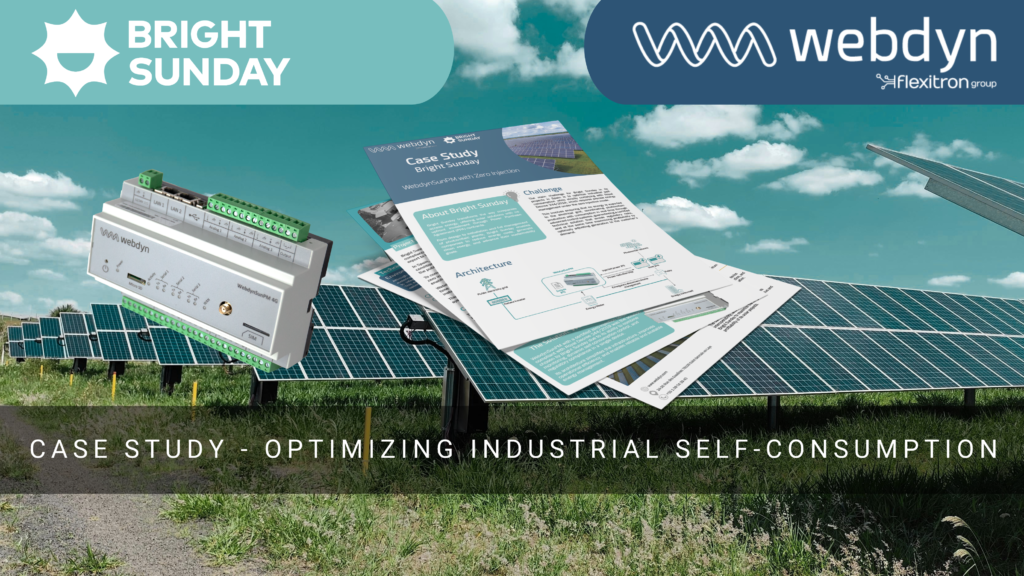
Optimizing industrial self-consumption with Bright Sunday Bright Sunday transforms the way companies access energy, offering solar solutions with no upfront investment through Power Purchase Agreement (PPA) contracts.From design to installation and full management of photovoltaic plants, Bright Sunday enables companies to reduce energy costs, generate clean energy, and advance their sustainability goals. The challenge Bright […]
Enhancing Tanktel’s Data Collection and Monitoring Capabilities with Webdyn EasyTunnel AUS

Case study – Data Collection and Monitoring Capabilities with Webdyn EasyTunnel AUS Enhancing Tanktel’s Data Collection and Monitoring Capabilities with Webdyn EasyTunnel AUS Context and challenge This project has been deployed by AustralisM2M, our partner, to Tanktel company, a leading provider of real-time monitoring solutions for silos and storage tanks, faced a challenge in upgrading […]
Speed cameras and traffic management
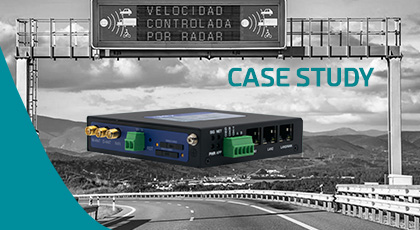
Speed cameras and traffic management SPEED CAMERAS AND TRAFFIC MANAGEMENT WITH OUR INDUSTRIAL ROUTER-EOS When we talk about traffic management in large cities and the road network, it is essential to be able to have remote access to three basic elements: speed cameras, traffic cameras to monitoring the state of the roads and management of LED information […]
How to anticipate negative costs
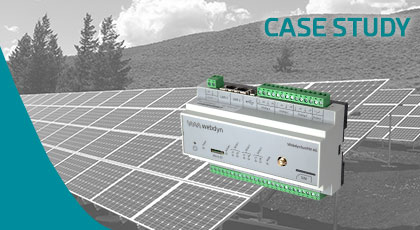
Solar Self Consumption in Carrefour SOLAR SELF CONSUMPTION IN CARREFOUR WITH THE WEBDYNSUNPM Solar Self-Consumption in Carrefour When we face a large solar energy self-consumption installation, the main challenge for its success is to be able to monitor all its devices and to act on them to achieve what we call “zero injection”. This case […]
Data Center Monitoring
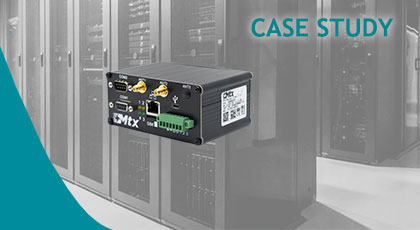
Data Center Monitoring Data Center Monitoring with MTX-Titan II-S A data center is an installation of one or several rooms full of computers and electronic equipment which function as the server of company or an organization, whether it is public or private. These facilities, as well as their features and size, can vary. They can be from […]
Solar Self Consumption in Carrefour
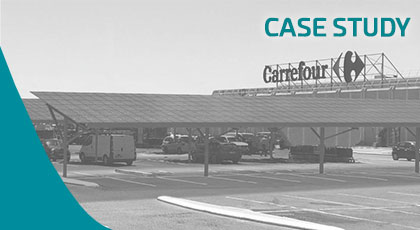
Solar Self Consumption in Carrefour SOLAR SELF CONSUMPTION IN CARREFOUR WITH THE WEBDYNSUNPM Solar Self-Consumption in Carrefour When we face a large solar energy self-consumption installation, the main challenge for its success is to be able to monitor all its devices and to act on them to achieve what we call “zero injection”. This case […]
Individualise Heating Costs – Case Study

Individualise Heating Costs – Case Study INDIVIDUALISE HEATING COSTS WITH THE WEBDYNEASY W M-BUS 868MHz The duty to implement an Individualised Heating Cost system is based on articles 9, 11 and 13 of the European Energy Efficiency Directive. 16 countries have enacted article 9 of the Energy Efficiency Directive into national law, including France as […]






