
Easydot, la nuova soluzione IoT all-in-one
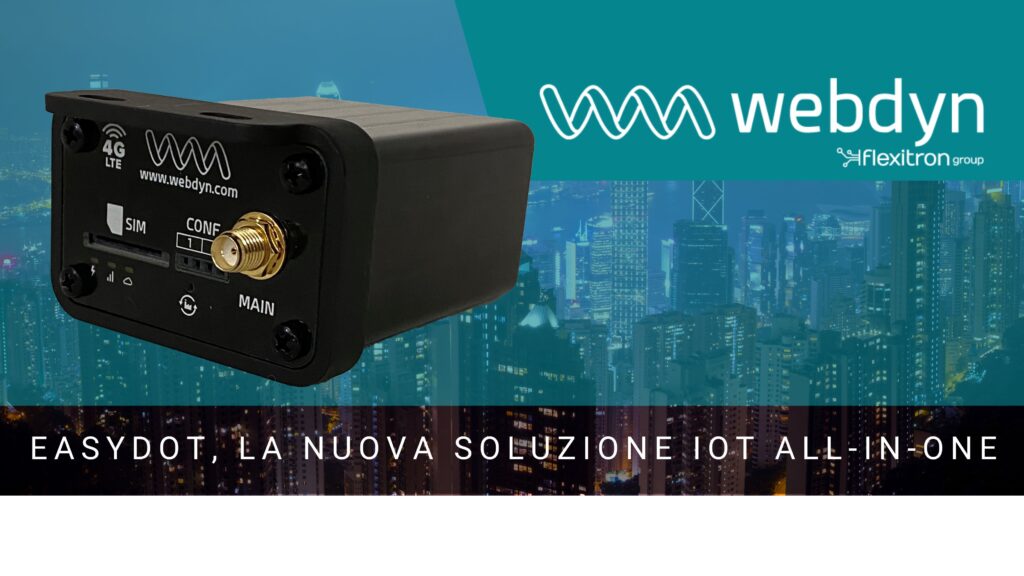
Easydot, la nuova soluzione IoT all-in-one Lancio del nuovo EasyDot di Webdyn, il modem IoT industriale compatto per eccellenza Webdyn è orgogliosa di presentare EasyDot, un modem IoT industriale compatto e potente progettato per semplificare la connettività e migliorare l’efficienza in tutti i settori. Che si tratti di ottimizzare i processi di fabbrica, implementare soluzioni […]
Nuova interfaccia grafica di WebdynSunPM

New WebdynSunPM Graphical User Interface Lancio della nuova interfaccia grafica di WebdynSunPM: un’interfaccia completamente ridisegnata per aumentare la produttività degli installatori. Webdyn, specialista in soluzioni IoT per la gestione dell’energia, ha annunciato un importante aggiornamento del suo prodotto di punta, WebdynSunPM, progettato per il monitoraggio degli impianti solari. Con questa nuova versione, l’interfaccia utente è […]
Monitoring of the Electrical Network

Monitoring of the Electrical Network Monitoring of the Electrical Network with MTX-IoT-S The monitoring of the electrical network is a typical industrial IoT solution in which the advantages of the new smart IoT devices are used to detect failures in the power supply. Thanks to the early detection of electrical problems, bigger problems are avoided […]
Conveyor belt monitoring

How to monitor conveyor belt with a 4G modem CONVEYOR BELT MONITORING In a smart environment of management, control and industrial automation, one of the key elements to anticipate failures and increase productivity is to be able to monitor the status and use of conveyor belts of any kind of sector, whether it is for […]






